Oracle VirtualBox is one of the most widely adopted open-source virtualization platforms in the world, designed to let individuals and organizations run multiple operating systems on a single physical machine — all at the same time. Originally developed by the German company InnoTek, then acquired by Sun Microsystems before landing under Oracle Corporation's umbrella in 2010, VirtualBox has matured into a robust, enterprise-grade type 2 hypervisor that serves millions of users globally. Whether you're a developer, system administrator, or everyday tech enthusiast, the software offers a flexible, cost-free bridge between your host machine and any number of virtualized environments.
At its core, VirtualBox operates as a hosted hypervisor, meaning it runs on top of an existing operating system — Windows, macOS, Linux, or Oracle Solaris — without requiring dedicated hardware partitioning. It creates isolated virtual machines (VMs) that behave exactly like standalone physical computers, each with their own allocated CPU cores, RAM, storage, and network interfaces. This architecture makes it exceptionally useful for software testing, system migration, cross-platform development, and security sandboxing, all without the need to purchase additional hardware. The efficiency and non-destructive nature of VM-based environments have made virtualization tools like VirtualBox an indispensable asset in modern IT workflows.
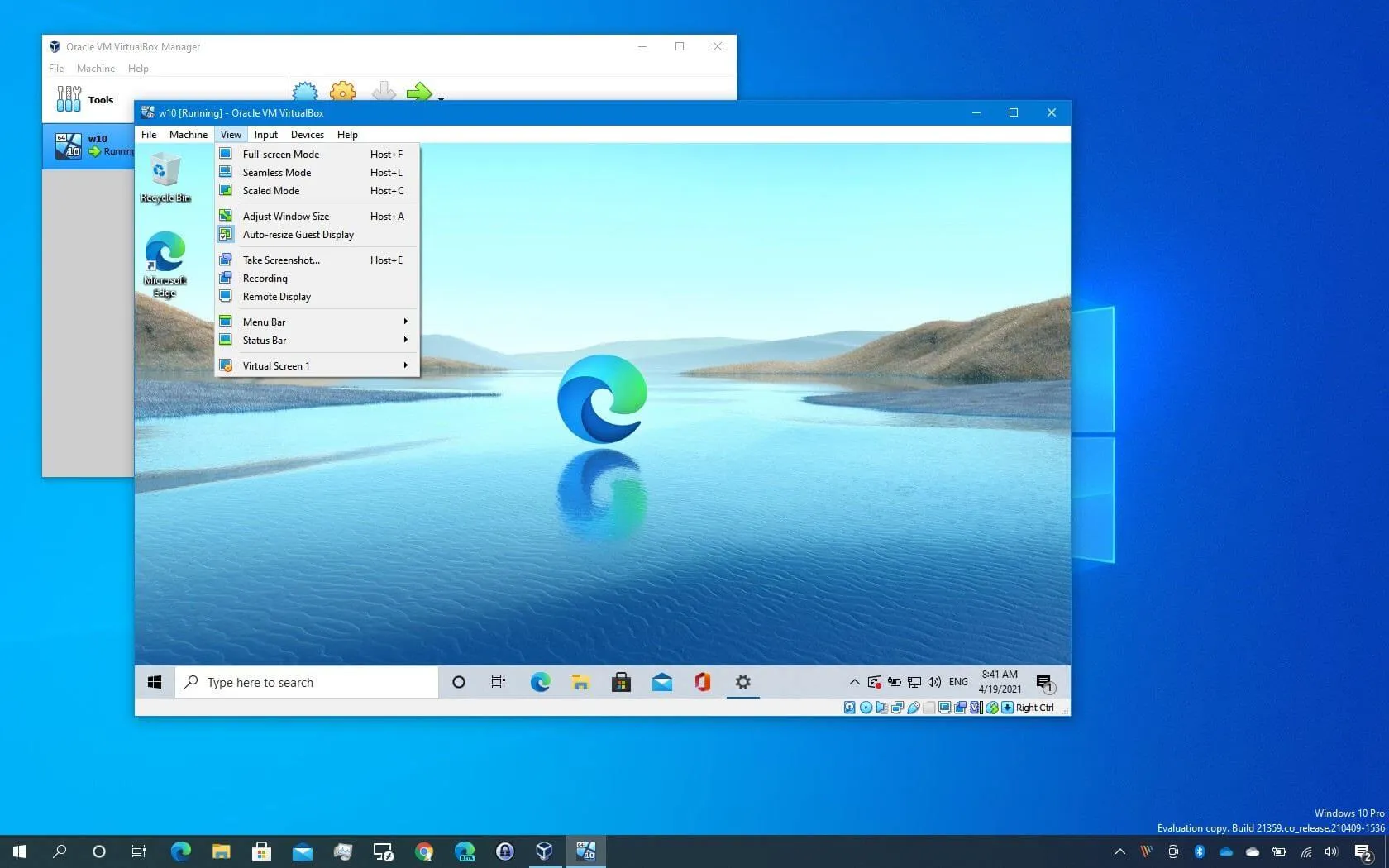
What distinguishes Oracle VirtualBox from many competing virtualization solutions is the combination of its zero-cost licensing model and its genuinely cross-platform nature. Unlike proprietary alternatives, VirtualBox is released under the GNU General Public License (GPLv3), making it freely available to download, use, and even modify. It supports an extensive range of guest operating systems — from various editions of Windows and Linux distributions to macOS (in specific configurations), FreeBSD, Solaris, and beyond. This broad compatibility, paired with features like seamless mode, shared folders, and a shared clipboard, ensures that working across different OS environments feels intuitive rather than cumbersome — a quality that few free tools manage to deliver at this level.
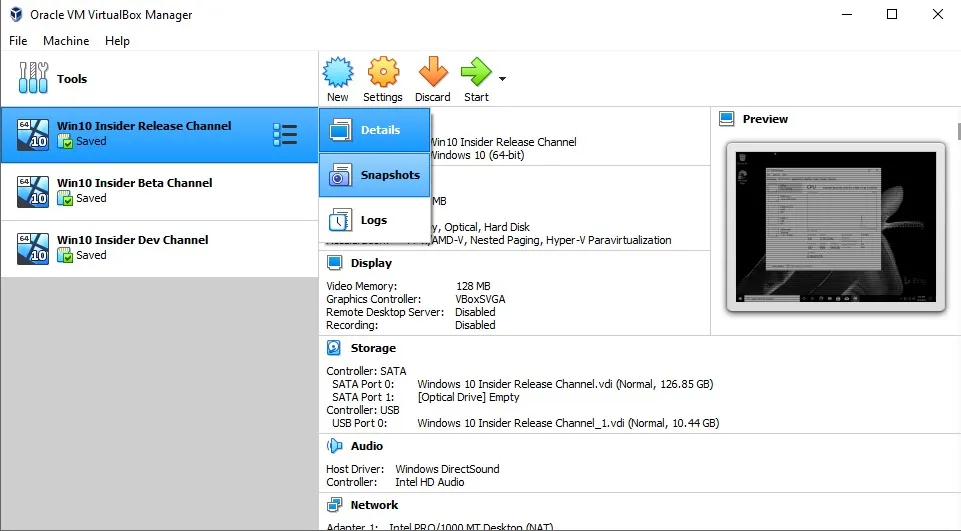
Despite being free and open-source, VirtualBox doesn't cut corners when it comes to professional-grade capabilities. It supports advanced features such as VM snapshots for instant state saving and rollback, Live Migration (Teleportation) for moving running VMs between hosts, Remote Desktop access via the VirtualBox Remote Desktop Extension (VRDE), and full USB device passthrough. Enterprises and developers benefit from its modular architecture, which exposes a comprehensive public API compatible with Java, Python, and SOAP, as well as a powerful command-line interface through VBoxManage. Optional Extension Packs further unlock capabilities like disk encryption and Oracle Cloud Infrastructure (OCI) integration, bridging on-premises virtualization with cloud-based workflows seamlessly.